





























Knowledge Base

Scorpion Alert (product)

Articles on Scorpion Alert (product) from Scorpion Alert — practical guides, real-world results, and prevention tips for homeowners and pros.

Articles

Every post tagged Scorpion Alert (product).
How Scorpion Alert works

Find them before they find you

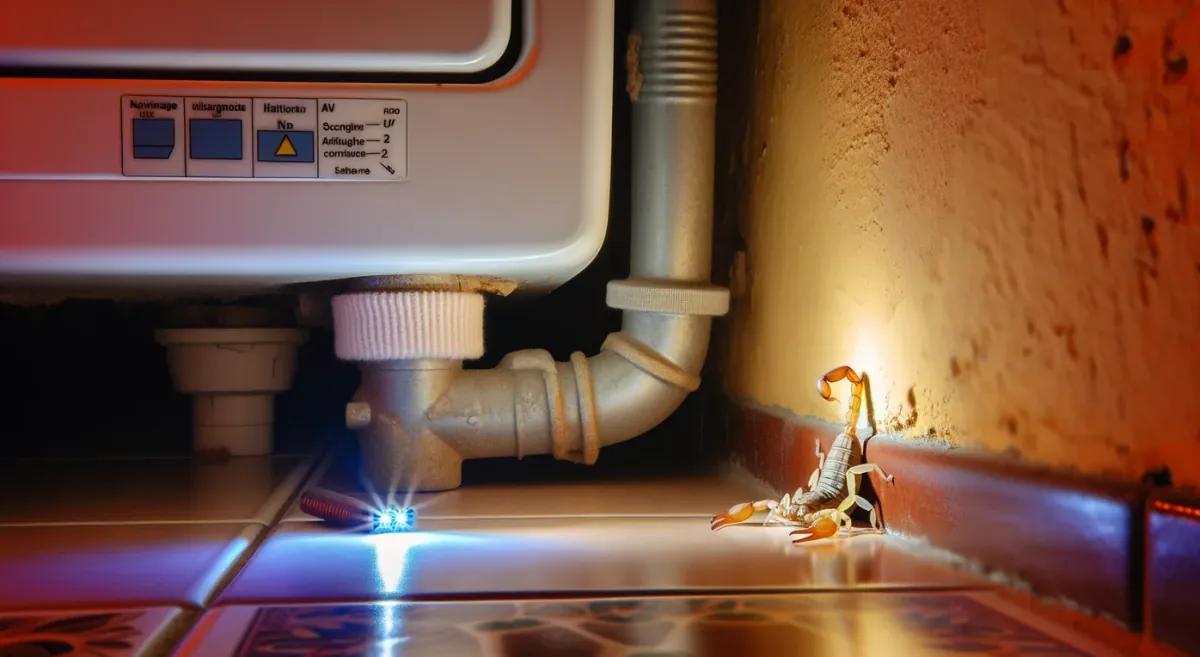
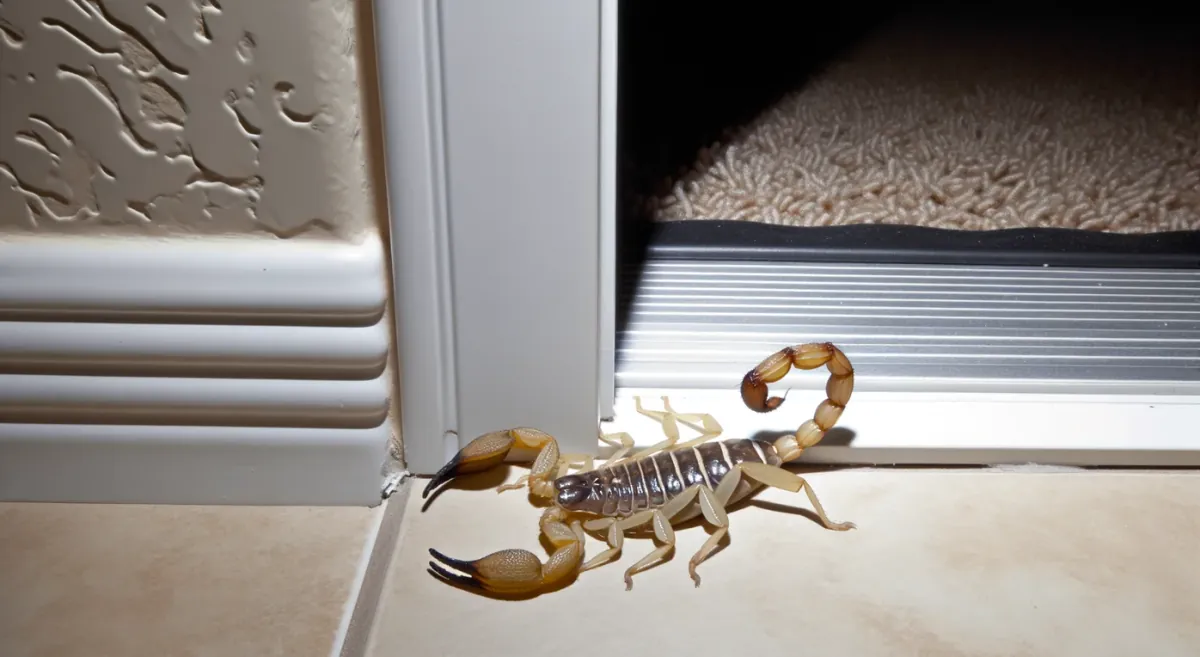
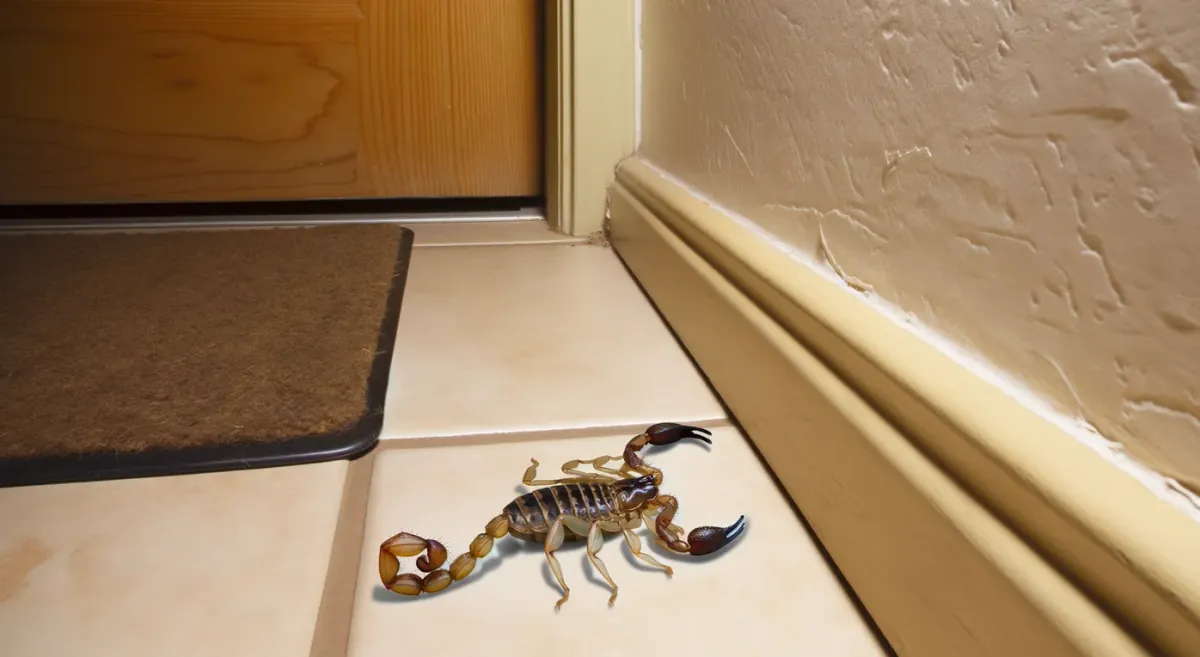
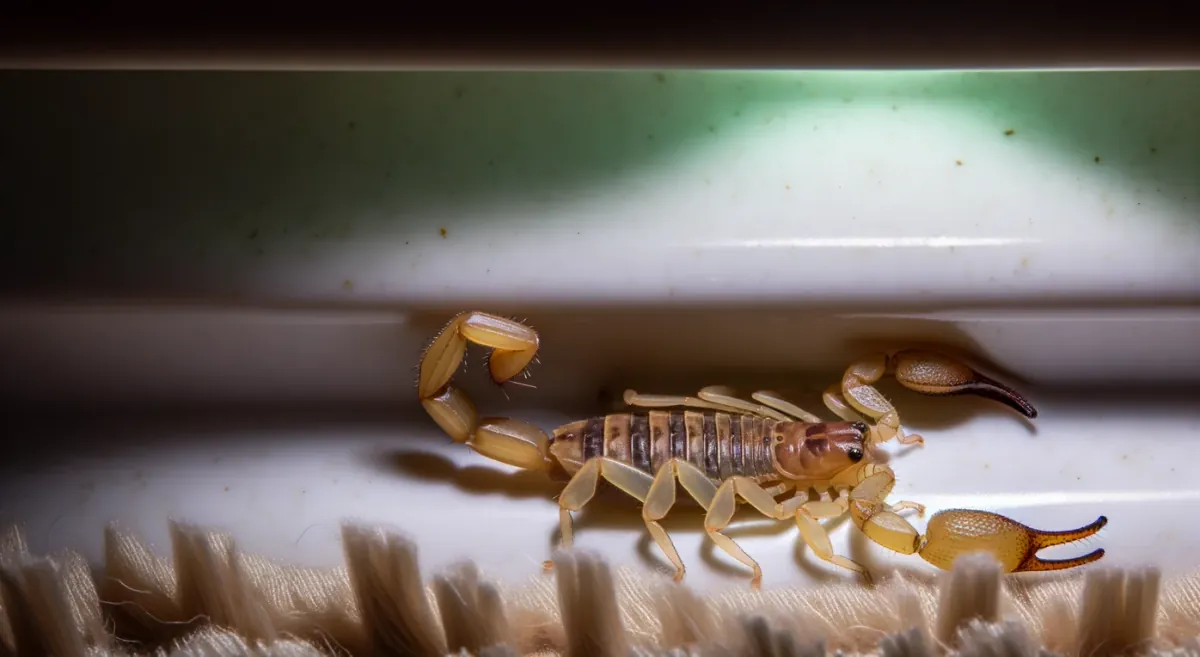
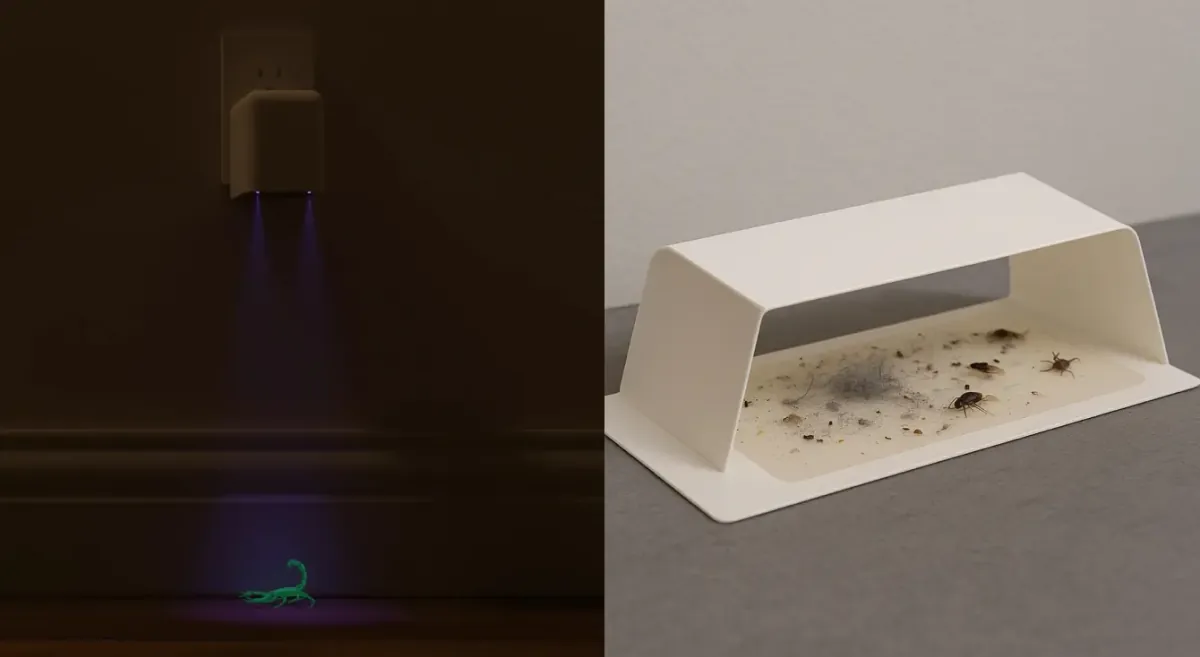
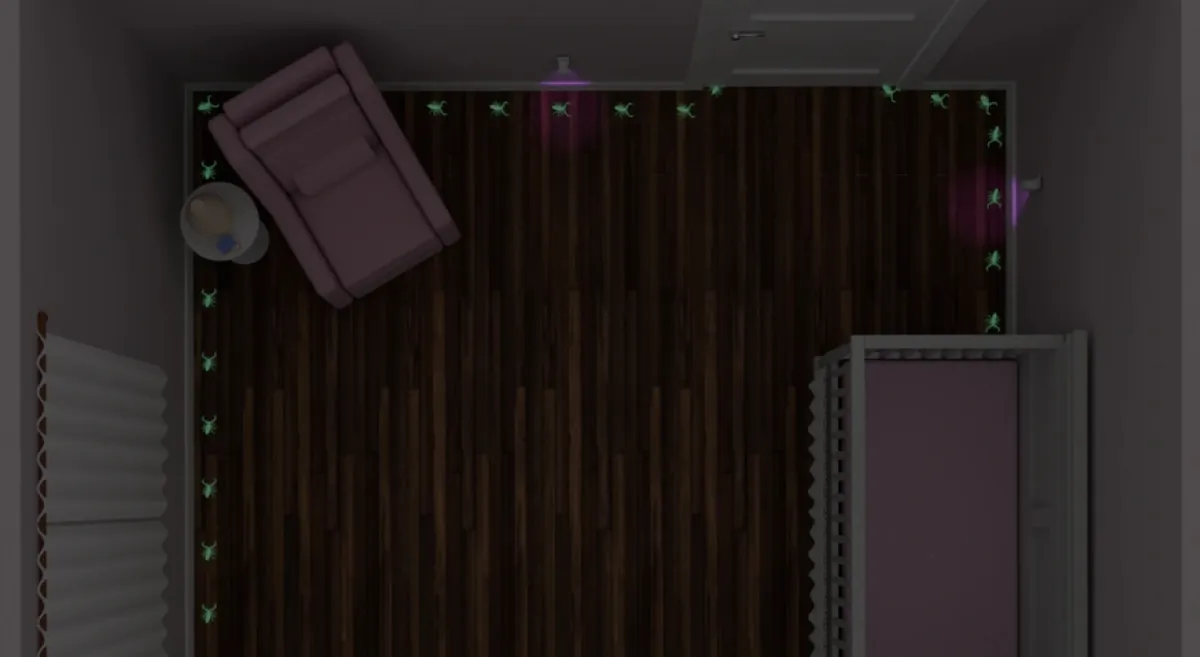
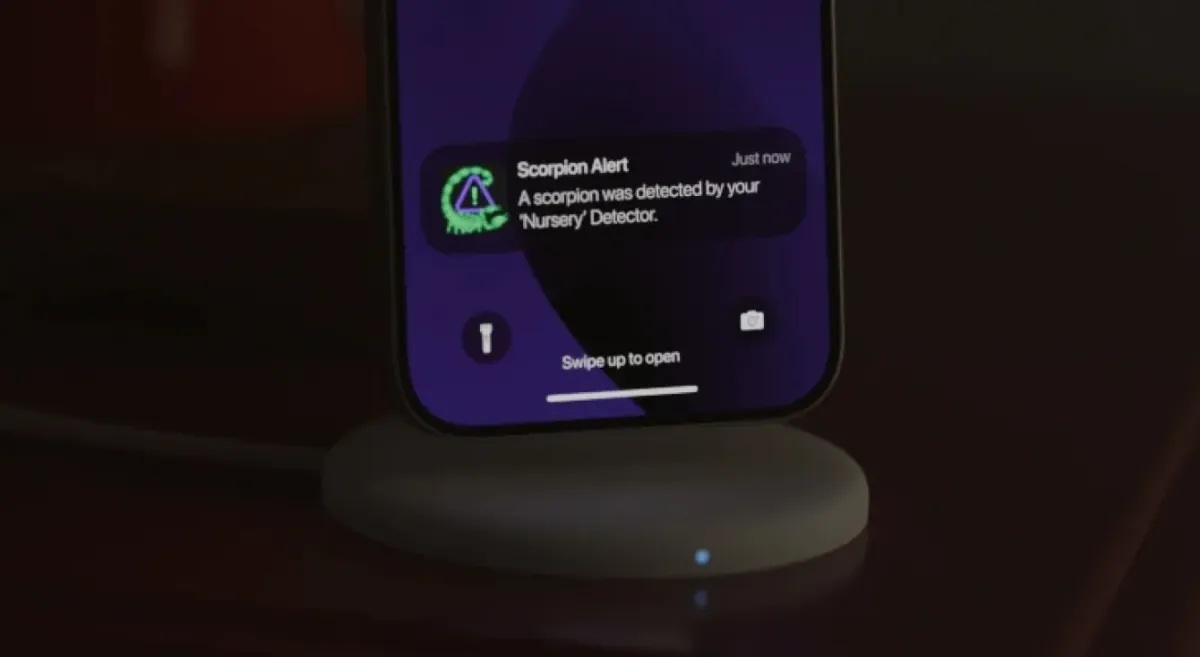
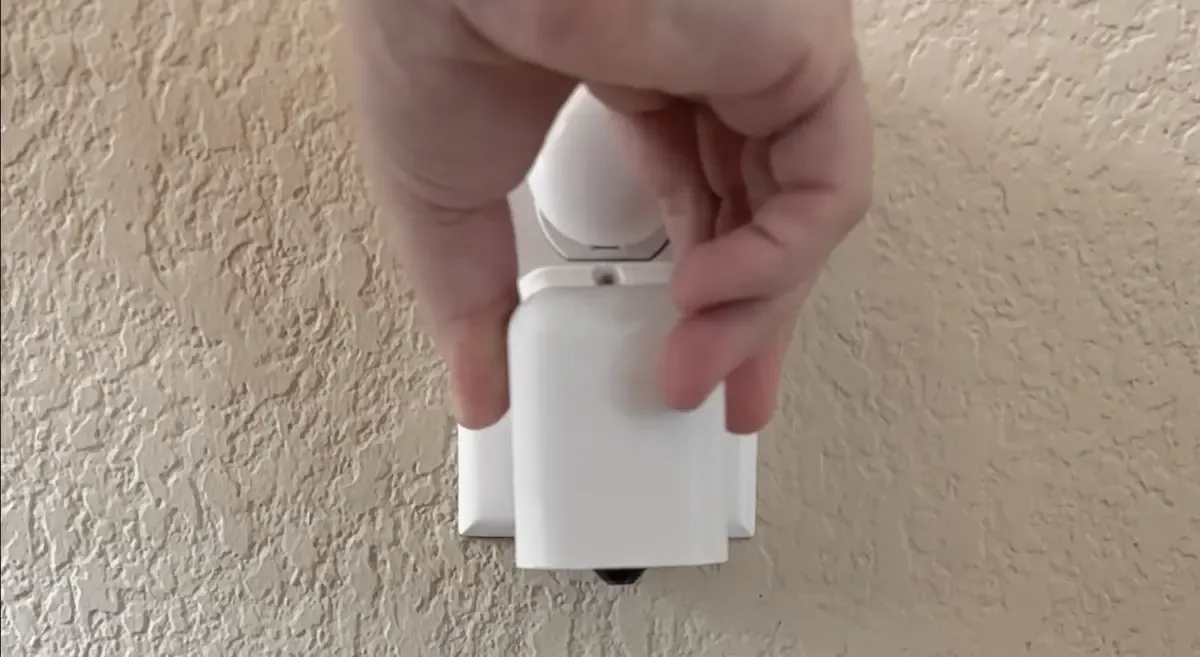
Plug in your Scorpion Detectors around your home and get instant alerts with the location of the scorpion.
  • Detectors arrive ready to plug in
  • Live alerts go straight to your phone or watch, with location
  • Alert multiple family members with a single account
  • One flat monthly monitoring fee — no contract, cancel anytime
Get Scorpion Detectors
Real homes, real results

Why homeowners trust the system

Map of Austin, TexasAustin, Texas
We got 2 alerts our first week! These things really work, what a good idea, so easy to use. Much better than sticky traps, thank you so much!
Ajay
2 scorpions detected
Map of Albuquerque, New MexicoAlbuquerque, New Mexico
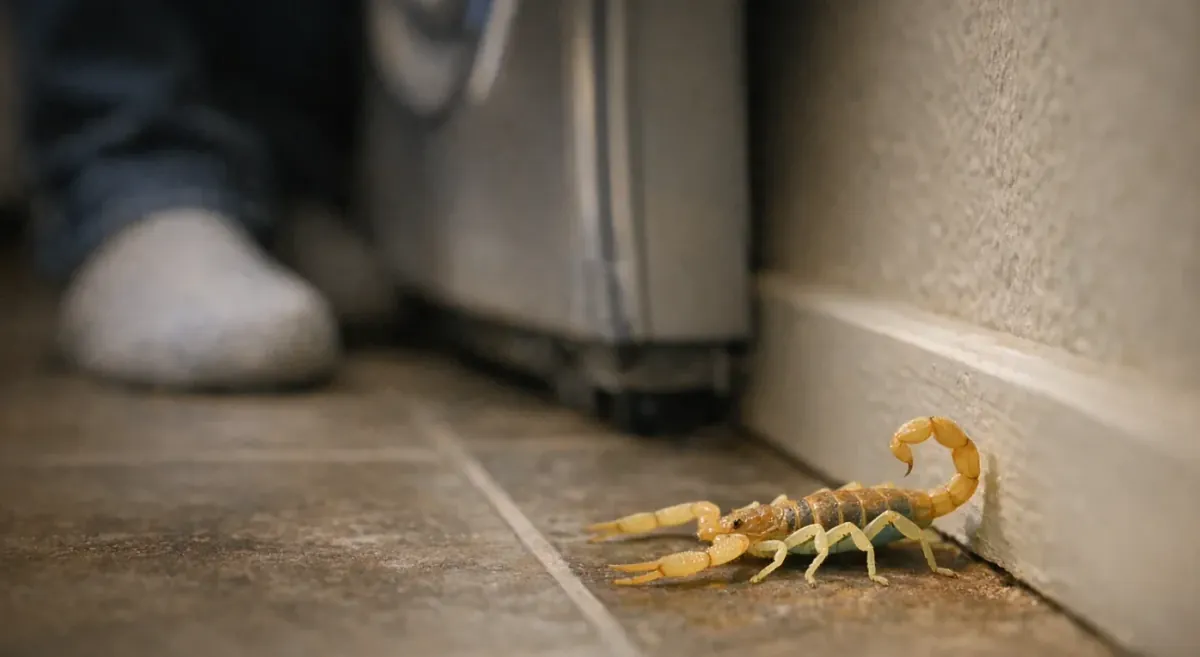
We can finally go on offense against these things instead of waiting to find them in our couch and shoes. It really helps us figure out where they're getting in. Love it.
Marcus
18 scorpions detected
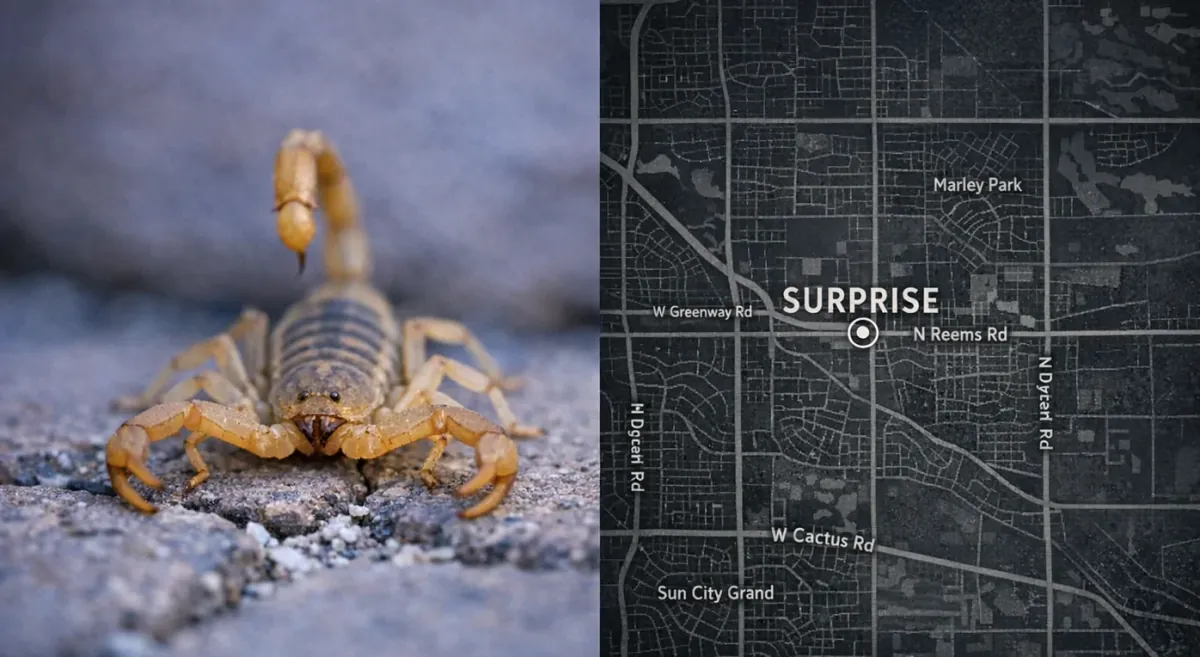
Map of Peoria, ArizonaPeoria, Arizona
We’re in a new neighborhood with a lot of construction. Our Detectors are staying busy, but getting notifications is better than getting surprised.
Jessica
14 scorpions detected
Common questions

Need quick answers?

How does Scorpion Alert detect scorpions while I’m sleeping?

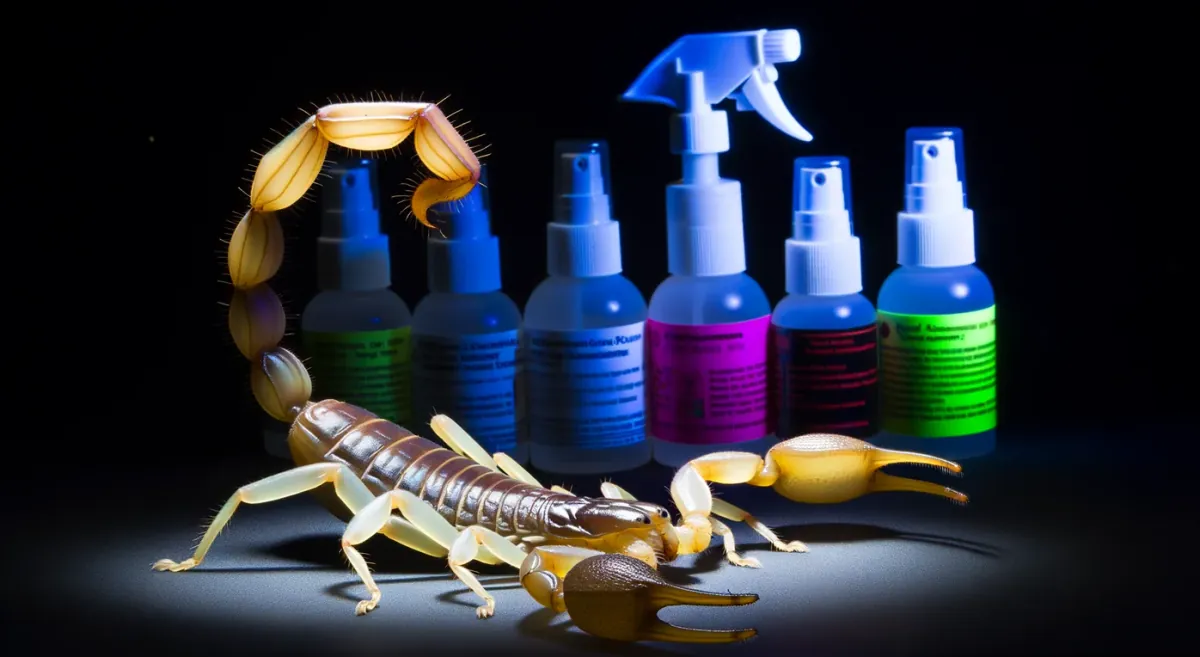
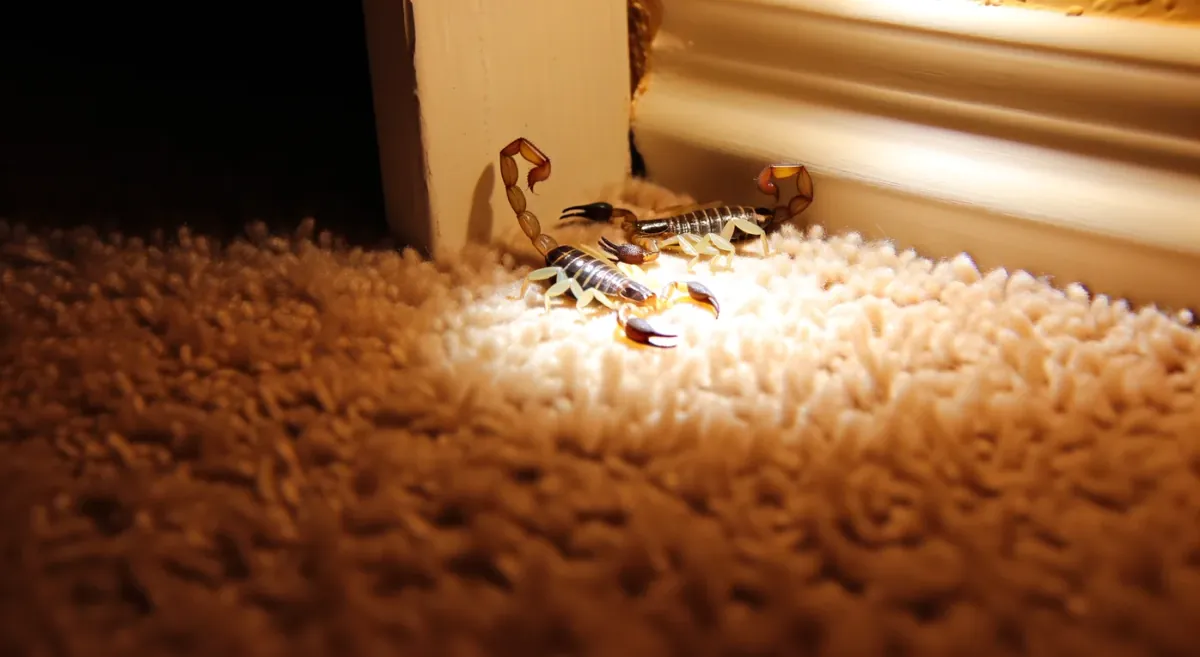
Scorpion Alert uses the same proven UV principle as a handheld blacklight, illuminating the floor in a dark room and watching for the glow pattern consistent with scorpion fluorescence. It reduces false alarms with a two-stage process: on-device screening first, then cloud AI confirmation before sending an alert with a photo and confidence percentage. This section also covers practical placement (entry points, bedrooms/nursery, and near water sources) and what you need for plug-in setup in this Scorpion Alert UV detector overview.

How do I keep scorpions out of my Rio Rancho home?

A workable plan starts with exclusion (door sweeps, weatherstripping, sealing gaps at plumbing/vents and slab or foundation lines), then reducing outdoor harborages like rock piles, dense ground cover, and clutter that also attract prey insects. The article also explains how to monitor more effectively during active months, including consistent night checks and automated, photo-verified alerts when activity is highest. Follow this Rio Rancho scorpion prevention checklist to decide what to DIY first and when it’s time to call a pro.

If smells don’t work, what’s the best long-term way to stop scorpions from coming inside?

Long-term control works best when you combine exclusion (sealing the easiest entry gaps), encounter reduction, and simple monitoring so you can tell if things are improving. Instead of guessing whether a scent “worked,” this section explains how tracking detections over time provides clarity and how tools like traps or detectors change the outcome from “maybe” to “verified.” It also outlines how Scorpion Alert-style detection can provide early warning with photo-verified alerts and notifications—see long-term scorpion control plan.

Are scorpion detection devices worth it, or should I just do blacklight walks every night?

This section compares manual UV sweeps, passive traps, and active detection systems, with a clear expectation: detection helps you find activity faster, but it doesn’t eliminate scorpions by itself. It explains how Scorpion Alert works in plain language (UV-based detection + AI verification) and what to consider before buying—placement, 2.4GHz Wi‑Fi, and whether “invisible UV” is noticeable. It also summarizes typical cost and how many detectors most homes use, with a pointer inside the scorpion detection technology cost breakdown.

Why am I suddenly seeing a wave of scorpions around my house—and what should I do next?

Sudden spikes often track real-world triggers like more crickets/roaches (food), rain or irrigation (movement), and moisture sources such as AC condensation lines or pools. The recommended next steps are a simple, measurable plan: reduce prey for 10–14 days, fix moisture “hot spots,” seal high-impact gaps, and monitor nightly so you can see whether activity is actually declining. The how to monitor scorpions nightly approach includes options beyond blacklight patrols, including automated wall-lane detection with photo-verified alerts.

Are scorpions really a problem in Phoenix homes?

Yes—scorpions are a real homeowner issue in Phoenix and across Maricopa County, especially where heat, drought, irrigation, and abundant insect prey push them toward structures. Indoor sightings often trace back to block walls, desert-style landscaping, and cool, sheltered hiding spots along edges and baseboards. A single scorpion can be a one-off hitchhiker, but repeated sightings in the same rooms (or seeing babies) can signal ongoing activity—this scorpions in Phoenix Arizona homes guide explains what it can mean and how to respond.

Got questions about scorpion detection?