3 to 8 years undetected
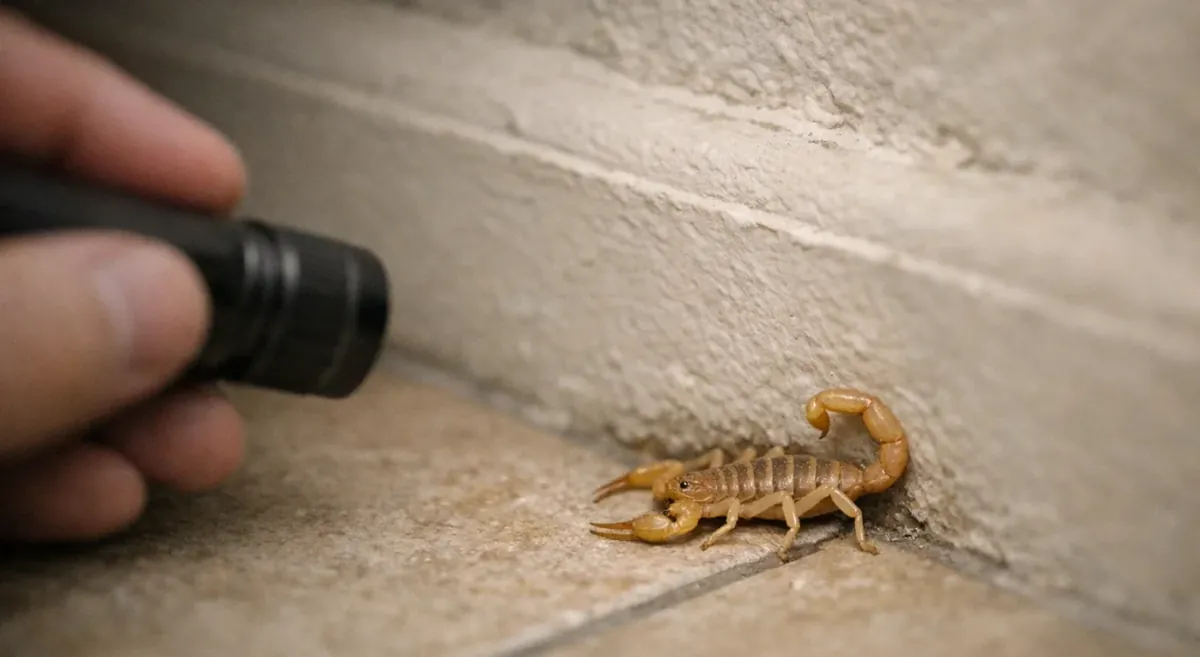
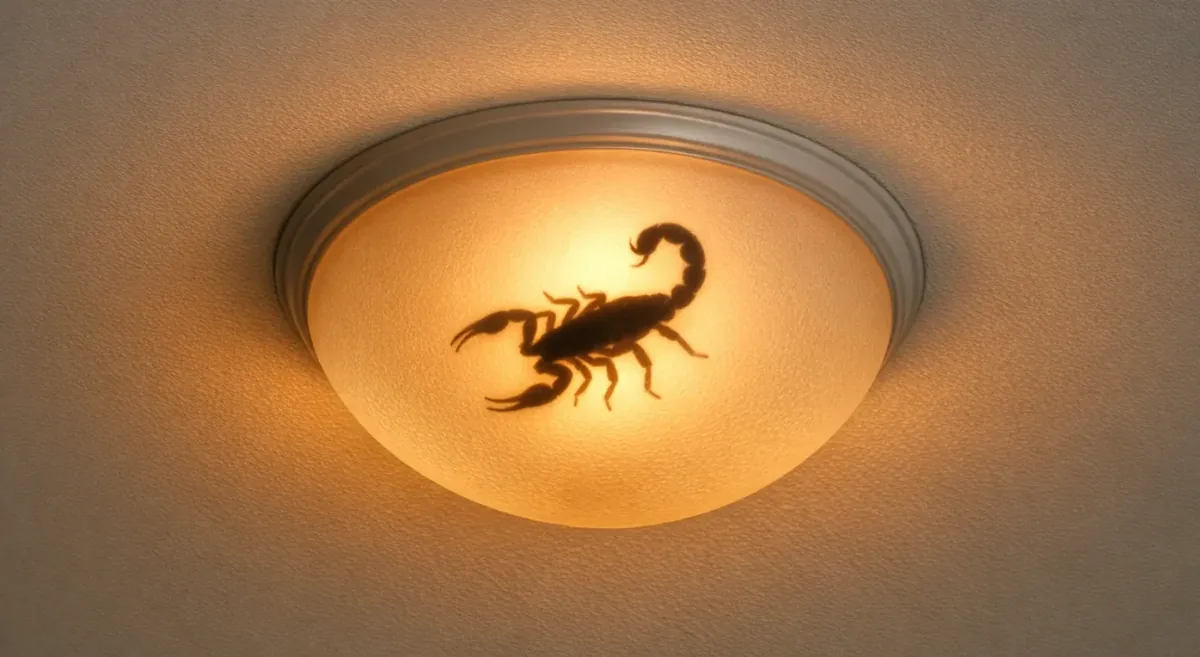
Scorpions can live in your house for months or even years undetected, especially if the conditions are right. With enough food and water, scorpions often live between 3-8 years.
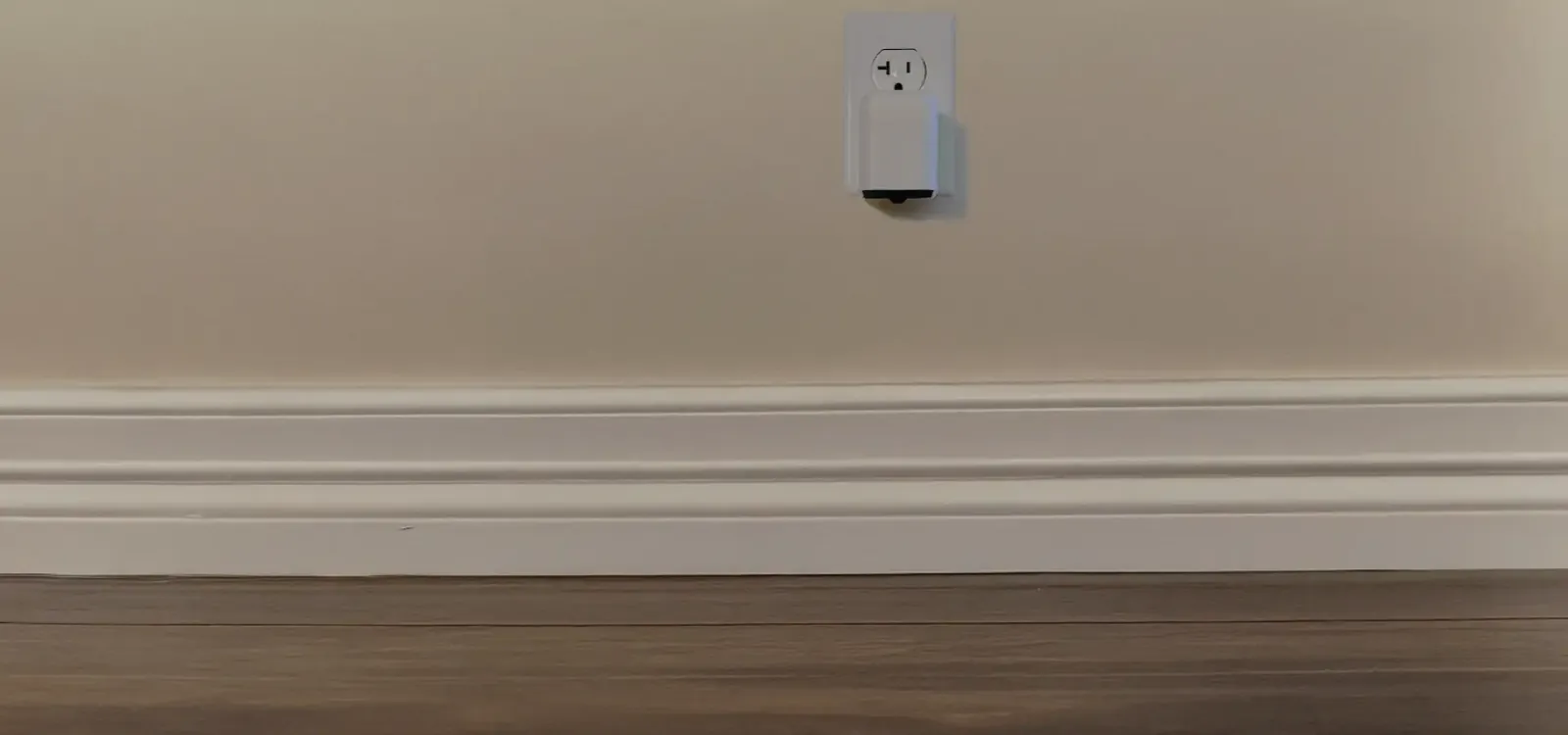
We haven’t come across a scorpion in our house unexpectedly since we started using this.

We tried everything. Pest control companies, glue traps, powders. None of it worked as well as this.
I like seeing them turn on, night after night. Security guards that never quit.



We don’t get as many alerts any more now that we’ve figured out how to seal up our vents, but we were getting a lot of alerts in the beginning.
The picture and location that come with an alert is so helpful in figuring out where the scorpion is going. It usually hasn't traveled very far by the time I get there.
Super easy setup. We just plugged the Scorpion Detectors in, set them up with my phone, and that was it. I love the live feed on my phone to let me know they're always watching.
Scorpions can be a real concern in Tempe (Maricopa County), especially when sightings repeat indoors rather than staying outside. A one-off scorpion doesn’t always mean an infestation, but frequent nighttime finds along baseboards, corners, or near patio/garage transitions can signal an ongoing issue. The Tempe scorpion problem signs guide explains what “a problem” looks like and how to track sightings to measure improvement.
The two biggest spikes are extreme heat (scorpions seek cooler, stable indoor temperatures) and monsoon moisture (displacement plus a surge in prey insects). This section focuses on timing—what to do before a heat wave and what to check the night after a storm—so you’re not reacting after the fact. The weather triggers for scorpions indoors breakdown also highlights their edge-travel behavior, so you know where to scan first.
Scorpions are nocturnal, so mating activity is more likely to be noticed on warm, dark nights when they’re already moving around looking for food and mates. It’s usually encountered outdoors, but if scorpions are indoors and conditions are favorable, mating can happen inside too—making any indoor sighting worth taking seriously. This when scorpions mate at night guide explains common triggers and what to do if you see a pair.
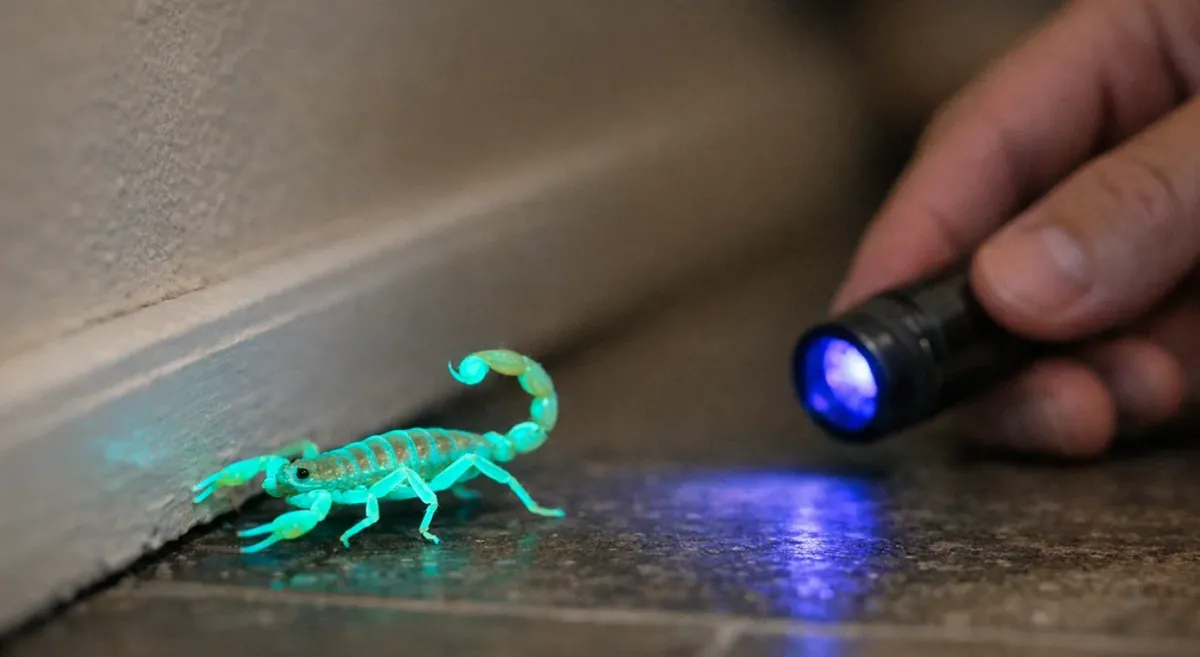
Scorpions fluoresce because of compounds in their exoskeleton, so they can glow green/cyan under UV light—making nighttime scanning surprisingly effective. A 365nm UV light typically produces a stronger glow, which helps you spot them faster along the perimeter routes they prefer (baseboards, corners, thresholds). For a practical walkthrough of where to scan and what to look for, see this UV blacklight scorpion spotting tips.
Scorpions are most active during the warmer parts of the year and are typically seen after dark, which is why indoor encounters often happen at night. Heat spikes, monsoon humidity, and even backyard watering can increase movement by boosting moisture and prey insects, pushing scorpions to travel along walls and edges. The Mesa scorpion activity calendar breaks down what to expect by season and why certain nights seem “worse.”
Scorpions often follow edges because they like staying in contact with surfaces like baseboards, corners, and tight trim gaps rather than crossing open floors. That wall-hugging behavior makes their movement more predictable, so you can focus your search on the perimeter first instead of scanning the middle of every room. This section breaks down why scorpions follow baseboards and when they might still cut across open spaces.
Not you?
No hardware purchase necessary. Just a small monthly monitoring fee. The more Detectors you add, the more you save. Cancel any time and return them — no long-term contract.
Sign up with Google or Apple — no password required.
By continuing, you agree to our Terms & Conditions and Privacy Policy.