

What should I do right away if I’m stung by a scorpion in Mesa?
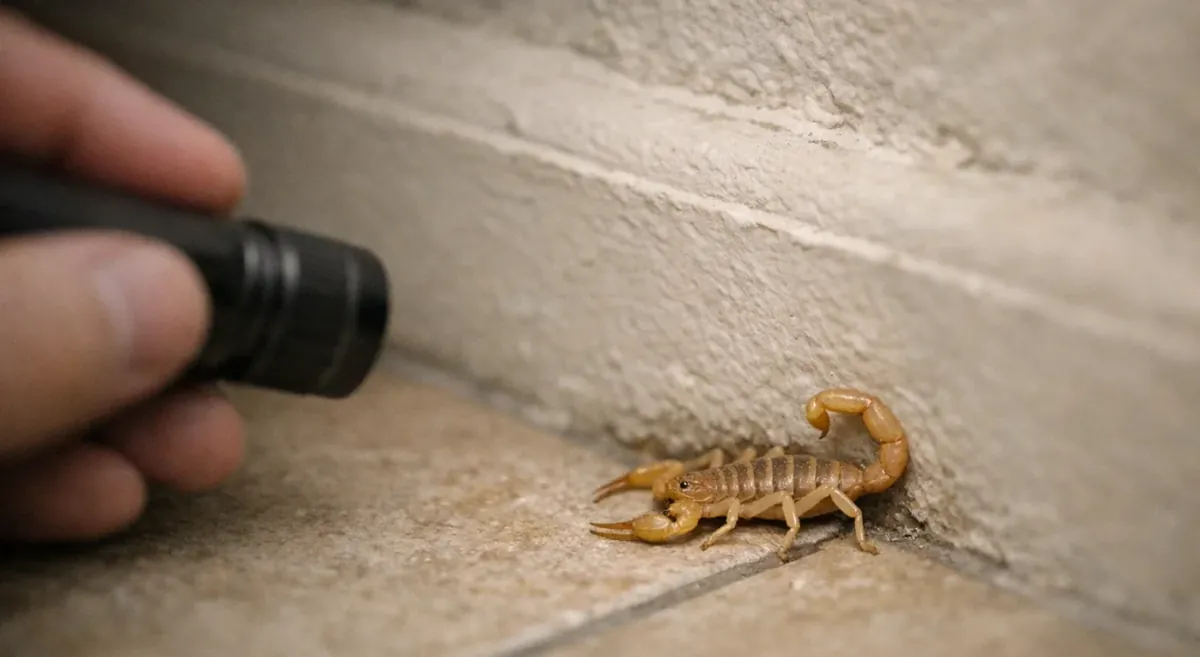
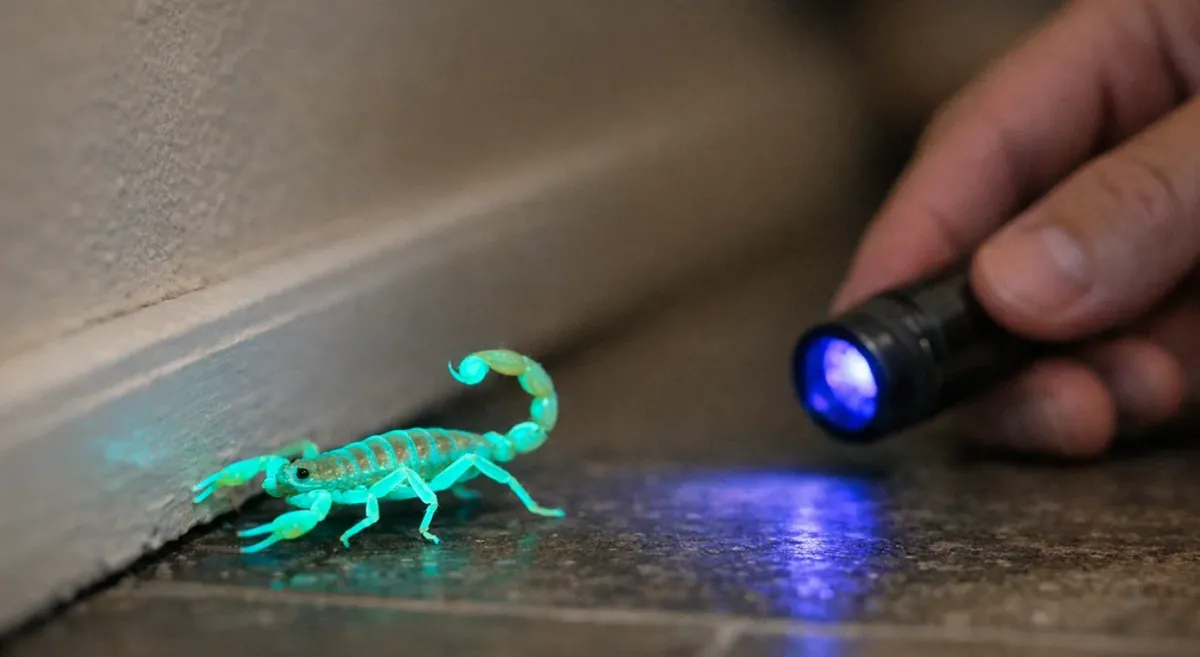
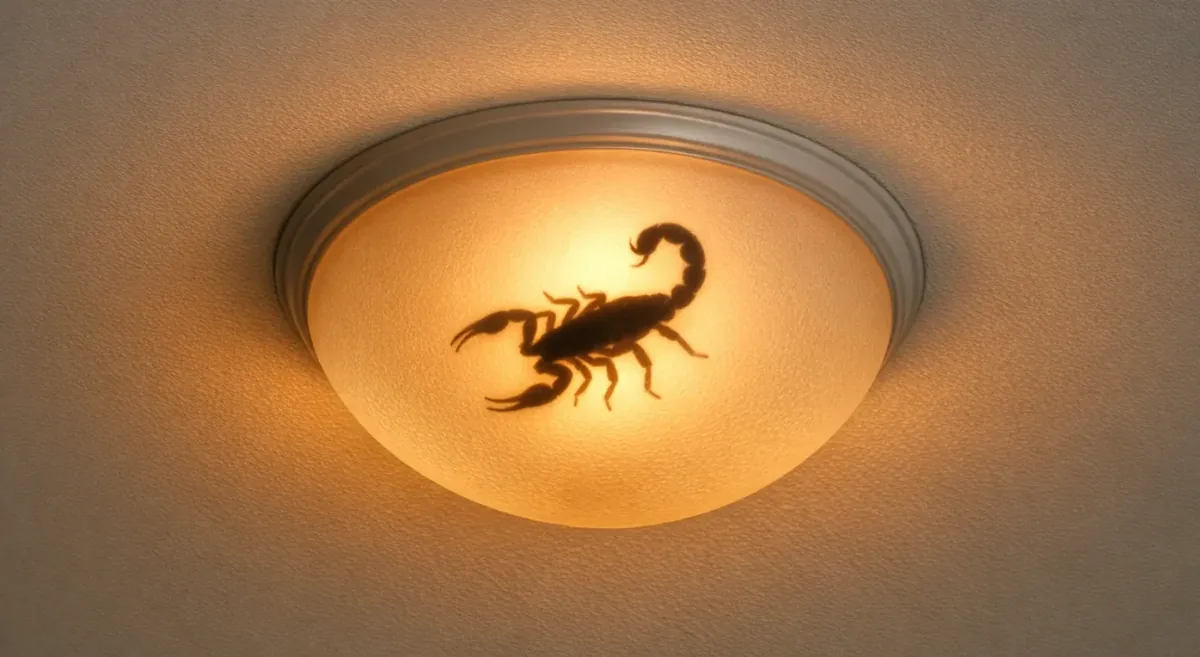
Start with quick first aid: move to safety, wash the area, use a cool compress, remove tight jewelry, and stay calm while tracking symptoms over time. Many stings cause pain, tingling, or numbness, but you should seek help quickly for severe symptoms—or anytime a child is stung or symptoms escalate. This Mesa scorpion sting response guide also covers when to call Poison Control/go to the ER and how to safely contain the scorpion if you find it afterward.